WP Post Grid is a powerful and fully customizable Elementor AJAX post grid plugin that makes it easy to create dynamic, responsive, and professional layouts in WordPress. With 15+ pre-designed grid templates and complete design controls, you can instantly build news grids, blog grids, portfolio showcases, product listings, event calendars, team sections, and alternative box-style layouts—all without writing a single line of code. Designed for speed, flexibility, and ease of use, WP Post Grid is the ultimate solution for anyone who wants beautiful content grids that load fast and look perfect on every device.
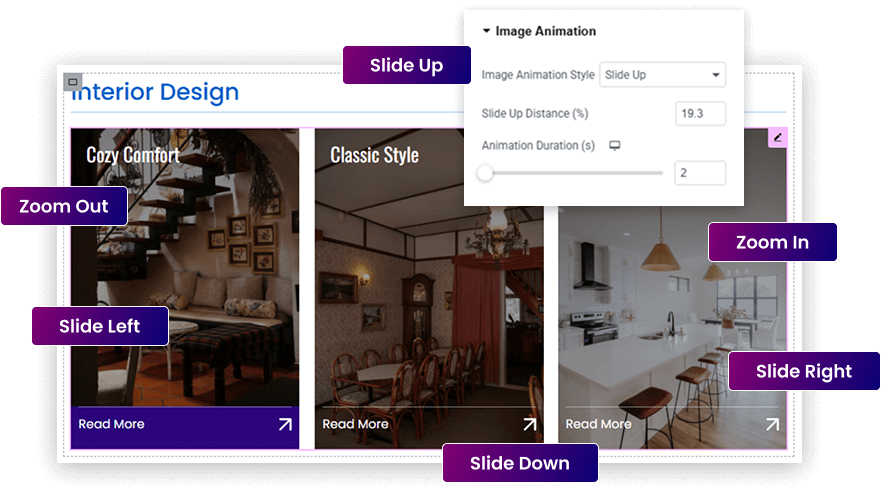
This animation feature, provided by WP Post Grid, brings your grid images to life with smooth, engaging hover effects. Users can choose from Zoom In, Zoom Out, Slide Up, Slide Down, Slide Left, and Slide Right to create dynamic visual interactions. With customizable settings for slide distance (in %) and animation duration (in seconds), you have complete control over how the animations behave. Whether you’re showcasing blog posts, products, or portfolios, this feature adds a polished, professional touch—no coding required.
Multiple Layouts for Modern News & Blog Grids
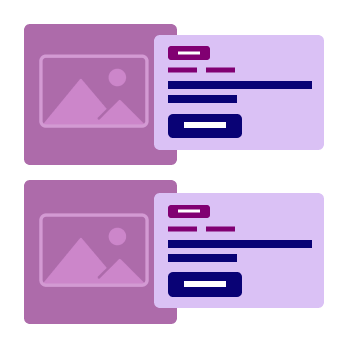
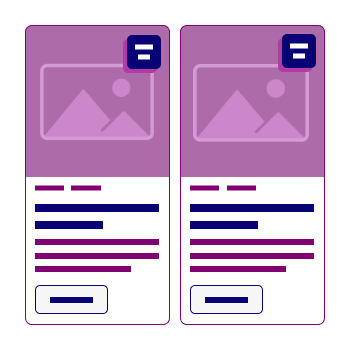
With WP Post Grid, you can create stunning news-style layouts that suit any publishing need — from online magazines and editorial blogs to headline-driven news portals. Choose from multiple flexible grid designs, each offering different visual hierarchies, thumbnail placements, typography options, and “Read More” button styles.
Whether you want a clean minimalist layout, bold featured article blocks, or dense multi-column grids, WP Post Grid gives you full control without touching a line of code. It’s perfect for showcasing trending articles, breaking news, or curated content — all beautifully styled and responsive across devices.
Display Custom Fields Without Writing Code
With WP Post Grid, adding extra details to your grids is simple and completely code-free. You can effortlessly display any custom field, such as designations, contact information, pricing, location, or any additional info specific to your content type. Just enter the field key, label, and optional icon — and WP Post Grid takes care of the rest.
Whether you’re building team showcases, real estate listing grids, product directories, or service cards, you have full flexibility to present rich, dynamic data using custom fields. No need for complex coding — just smart visual controls that let you create informative and professional grids in minutes.
Ultimate Grid Customization —
No Code Needed
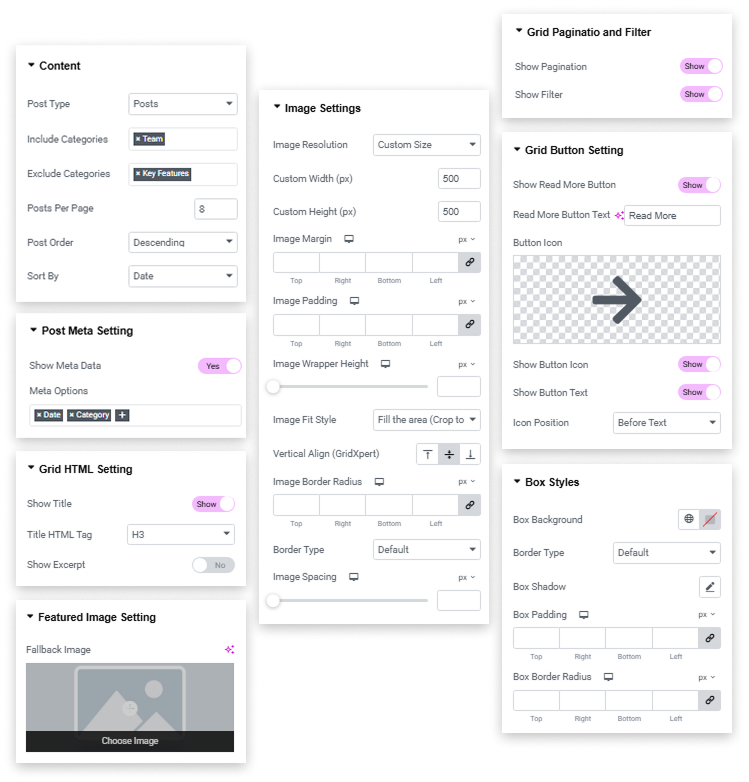
WP Post Grid empowers you with a wide range of intuitive customization options, all within a user-friendly interface. From content filtering and pagination to advanced image styling, meta settings, and button controls — every element of your grid is fully configurable. Easily adjust image size, alignment, spacing, hover effects, and more without writing a single line of CSS.
Whether you’re showcasing blog posts, team members, or featured items, WP Post Grid lets you build unique and professional grids in minutes — all through simple visual controls. Everything you need to create stunning layouts is built right into the plugin, giving you complete design freedom without any technical complexity.